Series · Part 1 of 8

How DNS Works — The Internet's Phone Book
You type google.com. Your browser stares at it blankly — it has no idea where that is. Here's how the internet turns a name into an address, and why it's faster than you'd expect.
You type google.com and press Enter.
Your browser stares at it blankly.
google.com is a name. The internet routes data by IP addresses — numbers like 142.250.80.46. Your browser knows where it wants to go, but has no idea which server to connect to.
Before a single byte of page content travels across the network, your computer has to make a phone call: “Hey, what’s the IP address for google.com?”
That phone call is DNS.
Why names instead of numbers?
IP addresses change. Companies restructure their infrastructure. A website might move from one hosting provider to another, from one server to ten, or from a US datacenter to a global CDN.
If your browser bookmarked the IP address 142.250.80.46 directly, Google would have to maintain that exact server forever — or your bookmark would break.
Domain names create an indirection layer. google.com always points to wherever Google’s servers are today. Change the DNS record, and every browser in the world starts finding the new server within minutes (or hours, depending on caching).
The hierarchy
DNS is organized as a tree, and resolution walks down it from the root.
.                           ← Root (the dot at the end)
├── com
│   ├── google              ← google.com
│   ├── example
│   └── amazon
├── net
├── org
└── io
    ├── github
    └── vercel
Each level has its own nameservers that know about the next level down:
- Root nameservers know which servers handle
.com,.net,.io, etc. - TLD nameservers (like Verisign’s servers for
.com) know which nameservers are authoritative for each domain - Authoritative nameservers hold the actual records — the IP addresses
The resolution chain
When your browser needs to look up google.com, it doesn’t go straight to Google’s servers. It walks through up to 6 layers:
1. Browser cache. Did you visit google.com recently? The answer is stored in memory with an expiry time. If it’s fresh, lookup done — under 1ms.
2. OS DNS cache. Your operating system keeps its own DNS cache, shared across all apps. A cache hit here is also sub-millisecond.
3. Recursive resolver. Your ISP runs a DNS server, or you’ve configured 8.8.8.8 (Google) or 1.1.1.1 (Cloudflare). This server does the heavy lifting. It has its own large cache — most popular domains are cached here. Cache hit: 1–5ms.
4. Root nameservers. If the resolver doesn’t have a cached answer, it asks one of the 13 root nameservers. They don’t know IP addresses for individual domains — they only know which servers handle each top-level domain. “Want .com? Ask the server at 192.5.6.30.”
5. TLD nameserver. The resolver asks the .com server: “Who is authoritative for google.com?” It doesn’t know Google’s IP — it knows which nameservers Google has registered. “Ask ns1.google.com or ns2.google.com.”
6. Authoritative nameserver. Finally, the resolver asks Google’s own nameserver. This is the one that actually knows. It returns the record: google.com A 142.250.80.46.
The resolver caches this answer for other users and sends it back to your browser. Total time for a cold lookup: 20–100ms. For a cached lookup: < 5ms.
DNS record types
DNS doesn’t just store IP addresses. Each domain can have many different record types, each serving a different purpose.
The most important ones:
A record — Maps a name to an IPv4 address. The most common type. google.com → 142.250.80.46.
AAAA record — Same, but for IPv6 addresses. google.com → 2607:f8b0:4004:c07::71. Browsers prefer IPv6 when available.
CNAME — An alias. Instead of an IP, it points to another domain name. www.example.com → example.com. CDNs use this heavily: cdn.yoursite.com → d1234.cloudfront.net.
MX record — Mail exchange. Tells other mail servers where to deliver email for your domain. Required for email to work. Multiple MX records with different priorities give you fallback servers.
TXT record — Plain text. Sounds boring, but it’s crucial for security. Used for SPF (preventing email spoofing), DKIM, DMARC, and domain ownership verification (e.g., “add this TXT record to prove you own this domain”).
NS record — Lists which nameservers are authoritative for your domain. This is what you set at your registrar — it tells the TLD server where to send queries.
TTL: how long answers are cached
Every DNS record has a TTL (Time To Live) — a number in seconds. It tells caches how long to hold the answer before asking again.
google.com.   300   IN  A  142.250.80.46
              ↑
         TTL: 5 minutes
Low TTL (5–60 seconds): faster propagation when you change records. Good for servers that move around or do A/B testing. More DNS queries.
High TTL (1–24 hours): fewer DNS queries, slightly faster page loads. Bad for situations where you need to change records quickly.
When you’re migrating a site to a new server, the common advice is to lower your TTL to 5 minutes before the migration — so that when you change the IP, the old answer expires quickly everywhere.
What your browser actually sends
A DNS query is a tiny UDP packet — under 100 bytes for a simple query. The query says: “Give me the A record for google.com.” The response includes the record(s) and their TTLs.
Query:
  Transaction ID: 0x1234
  Type: A (IPv4 address)
  Name: google.com

Response:
  google.com  A  142.250.80.46  TTL: 300
  google.com  A  142.250.4.46   TTL: 300  ← often multiple IPs (load balancing)
Multiple IP addresses in the response is intentional. Your browser will pick one and try to connect. If that server is down, it tries the next one.
DNS as a security layer
DNS was designed in the 1980s without security in mind. Queries go out in plaintext. Responses can be forged. This has spawned several security extensions:
DNSSEC — Signs DNS records cryptographically. Prevents forged responses. Widely deployed at the TLD level, less so at the domain level.
DNS over HTTPS (DoH) — Sends DNS queries over HTTPS instead of plain UDP. Prevents your ISP from seeing what domains you’re looking up. Firefox and Chrome both support this.
DNS over TLS (DoT) — Same idea as DoH, but uses a dedicated TLS connection. More transparent to network operators.
The takeaway
DNS is the invisible first step in every internet connection. Most of the time, caching makes it nearly free — under 1ms for popular domains. But for cold lookups or poorly configured TTLs, DNS can be a meaningful source of latency.
Every domain you add to a page load — CDN domains, analytics scripts, font providers, third-party APIs — adds a DNS lookup. Browsers parallelize these, but there are limits. This is why <link rel="dns-prefetch" href="//cdn.example.com"> exists: it tells the browser to resolve that domain now, before it’s needed.
Next up: You have an IP address. Time to actually connect. How TCP Works →
How the Internet Works · 8 of 8 published
- 0 What Happens When You Hit Enter?
- 1 How DNS Works — The Internet's Phone Book
- 2 How TCP Works — The Internet's Delivery Guarantee
- 3 How HTTPS Works — The Lock Icon Explained
- 4 How HTTP Works — The Language of the Web
- 5 How HTTP/2 Works — The Speed Upgrade
- 6 How WebSockets Work — Real-Time, Both Ways
- 7 How SFTP Works — Secure File Transfers
Related posts
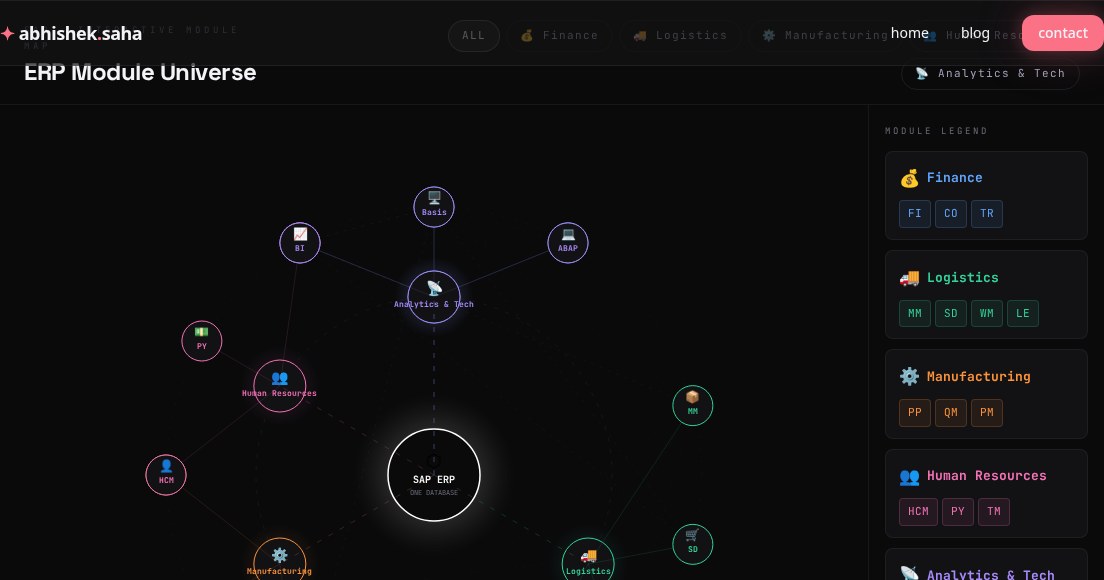
SAP ERP Module Universe — Interactive Map
A visual guide to SAP's core ERP modules — Finance, Logistics, Manufacturing, HR, Analytics, and how they all connect through one database.
Read
Part 5 — AI Demystified
Why AI Forgets
Mid-conversation, AI suddenly doesn't remember what you said earlier. This isn't a bug — it's the context window. Here's how it works and how to work around it.
Read
Get new posts in your inbox
No spam. No digest. Just a note when I publish something new.
Discussion
On this page