Series · Part 2 of 8

How TCP Works — The Internet's Delivery Guarantee
You have an IP address. Before a single byte of data flows, TCP performs a secret handshake and establishes a guarantee: nothing will be lost. Here's how it works.
DNS gave you an IP address: 142.250.80.46.
Now what?
An IP address is just a destination. Knowing the address of a building doesn’t mean you have a line of communication with the people inside. You need to knock, confirm someone’s home, and agree on how you’ll talk.
That’s TCP.
The problem TCP solves
The internet is fundamentally unreliable. Data travels as individual packets — small chunks of bytes — that route independently through a network of routers. A single web page might be split into hundreds of packets, each taking a different path across the globe.
Things go wrong constantly:
- Packets get dropped. Routers get overloaded and discard packets. This is normal and expected.
- Packets arrive out of order. Two packets sent back-to-back might arrive in reverse order because they took different routes.
- Packets get duplicated. Sometimes a packet is retransmitted and both copies arrive.
- Packets get corrupted. Bit flips happen. Hardware isn’t perfect.
Without a way to handle all of this, downloading a file would be a gamble — you might get it intact, you might get garbage, you might get nothing at all.
TCP solves every one of these problems.
The three-way handshake
Before any application data flows, TCP requires both sides to shake hands. Three packets, two round trips:
SYN — Your browser sends a SYN (synchronize) packet to the server. It includes a randomly chosen sequence number — a starting counter for this side of the connection. Think of it as saying: “I want to connect, and I’ll start counting my bytes from 1847293.”
SYN-ACK — The server responds with a SYN-ACK (synchronize-acknowledge). It acknowledges your sequence number (adds 1, meaning “got everything up to that point”) and includes its own randomly chosen sequence number. “Got you. Here’s my starting number: 3921847. Let’s go.”
ACK — Your browser acknowledges the server’s sequence number. “Got yours too. Connection established.”
Only after this exchange can either side send data. Why? Because now both sides know:
- The other side is alive and reachable
- What sequence numbers to use
- The connection is bidirectional
Sequence numbers and reliability
Every byte sent over TCP has a sequence number. The receiver tracks these and sends back acknowledgments (ACKs) saying “I’ve received everything up to byte N.”
If the sender doesn’t receive an ACK within a timeout, it retransmits those bytes. The receiver uses sequence numbers to deduplicate (ignore bytes it already received) and reorder (reassemble out-of-order packets into the correct sequence).
This is the guarantee: every byte arrives, exactly once, in the right order.
Sender:
  → Bytes 1-1460  (TCP segment, sequence 1)
  → Bytes 1461-2920 (TCP segment, sequence 1461)
  → Bytes 2921-4380 (TCP segment, sequence 2921)

Receiver:
  ← ACK 1461 (got everything up to byte 1460)
  ← ACK 2921 (got everything up to byte 2920)
  ← ACK 4381 (got everything up to byte 4380)

If segment 2 was lost:
  ← ACK 1461 (still waiting for byte 1461)
  ← ACK 1461 (still waiting...)
  → Retransmit bytes 1461-2920
  ← ACK 4381 (now caught up)
Flow control and congestion control
Two more features make TCP production-grade:
Flow control prevents the sender from overwhelming the receiver. The receiver advertises a “window size” — how many bytes it can buffer. The sender never sends more than the window allows. If the receiver is processing data slowly, it shrinks the window. The sender backs off.
Congestion control prevents the sender from overwhelming the network. TCP starts slow (literally called “slow start”) and gradually increases its send rate. When it detects packet loss (a sign of congestion), it backs off sharply. This is why downloads often speed up over the first second — TCP is learning how fast the network can handle.
TCP vs UDP
Not every application needs TCP’s guarantees.
UDP (User Datagram Protocol) is the alternative: no handshake, no sequence numbers, no retransmission, no guarantees. Just: send this packet, hope it arrives.
That sounds terrible. But for some use cases it’s exactly right:
Video calls. If a packet from 200ms ago arrives late, you don’t want it — playing it now would only introduce jitter. Better to skip that slice of audio than lag behind the conversation.
Online games. Position updates are 60 per second. A lost packet containing where you were 16ms ago is worthless. The game just uses the next packet.
Live streaming. Same logic. A dropped frame is a brief artifact. A buffered, delayed stream is worse.
DNS queries. Each query fits in a single packet. If it doesn’t arrive, just ask again. No need for TCP overhead.
The rule: use TCP when every byte matters. Use UDP when freshness matters more than completeness.
The cost of a handshake
The three-way handshake takes one round trip: a packet to the server and one back. On a typical internet connection, a round trip to a distant server might be 50–200ms.
That’s 50–200ms before any page data starts flowing.
This is why HTTP/2 reuses connections across multiple requests (instead of opening a new TCP connection per resource), and why QUIC (the protocol under HTTP/3) combines the TCP and TLS handshakes into a single round trip.
Every millisecond of the handshake is paid before the user sees anything.
The takeaway
TCP is the invisible guarantee under almost everything you do online. It doesn’t care that the network is unreliable — it builds reliability on top of it through sequence numbers, acknowledgments, and retransmission.
The three-way handshake is the foundation. Once established, the connection is yours: every byte will arrive, in order, or TCP will keep trying until it does.
Next up: Your TCP connection is open. But it’s completely unencrypted — anything you send is visible to every router it passes through. How TLS/HTTPS Works →
How the Internet Works · 8 of 8 published
- 0 What Happens When You Hit Enter?
- 1 How DNS Works — The Internet's Phone Book
- 2 How TCP Works — The Internet's Delivery Guarantee
- 3 How HTTPS Works — The Lock Icon Explained
- 4 How HTTP Works — The Language of the Web
- 5 How HTTP/2 Works — The Speed Upgrade
- 6 How WebSockets Work — Real-Time, Both Ways
- 7 How SFTP Works — Secure File Transfers
Related posts
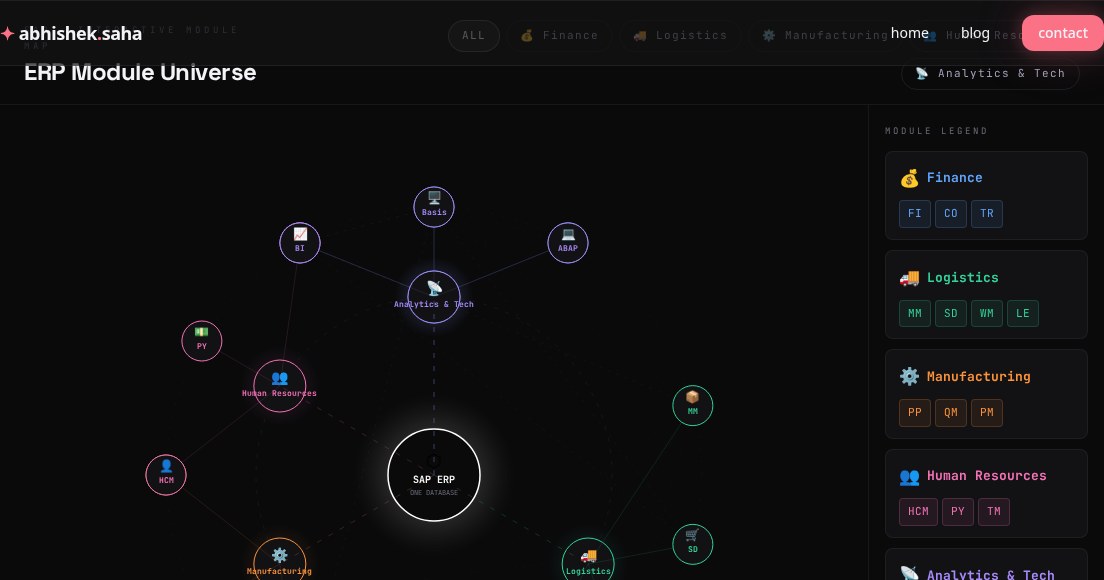
SAP ERP Module Universe — Interactive Map
A visual guide to SAP's core ERP modules — Finance, Logistics, Manufacturing, HR, Analytics, and how they all connect through one database.
Read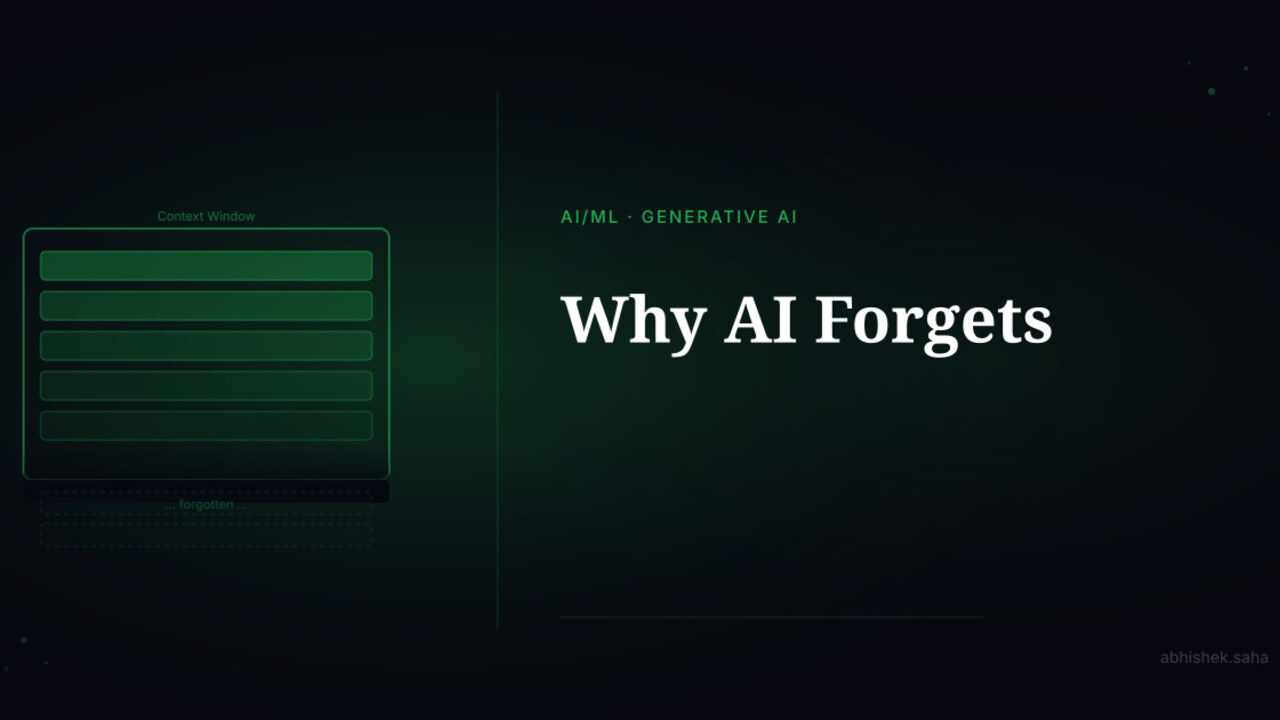
Part 5 — AI Demystified
Why AI Forgets
Mid-conversation, AI suddenly doesn't remember what you said earlier. This isn't a bug — it's the context window. Here's how it works and how to work around it.
Read
Get new posts in your inbox
No spam. No digest. Just a note when I publish something new.
Discussion
On this page