Series · Part 6 of 8

How WebSockets Work — Real-Time, Both Ways
HTTP is always ask-then-answer. WebSockets open a permanent channel where server and client talk freely — no polling, no waiting. Here's how chat apps, live feeds, and multiplayer games actually work.
Everything we’ve covered so far follows the same pattern.
Browser asks. Server answers. Connection might stay alive for efficiency. But the next message? The browser has to ask first.
HTTP is pull. You pull data from the server. The server cannot reach out to you.
This is fine for most things — web pages, API calls, form submissions. But what about:
- A chat message arriving from another user
- A stock price updating every second
- A multiplayer game syncing positions in real time
- A collaborative document showing a teammate’s cursor
For all of these, the server needs to send data when it has something to say — not when the browser asks. HTTP can’t do this natively.
WebSockets can.
HTTP requires the client to keep asking. WebSocket opens a persistent channel — the server can push anytime. Watch how they differ for real-time data.
The problem with polling
Before WebSockets, developers used a trick called polling: ask the server for new data every N seconds.
setInterval(async () => {
  const res = await fetch('/api/messages/new');
  const msgs = await res.json();
  displayMessages(msgs);
}, 2000); // Ask every 2 seconds
This works, but it’s wasteful. Most polls return nothing (“no new messages”). You’re making a full HTTP request — TCP, TLS overhead, headers — just to hear “nope.”
Long polling improved this: the browser makes a request, and the server holds the connection open until there’s something to send. When data arrives, the server responds, and the client immediately opens a new long-poll request. This reduces unnecessary responses but still has overhead for each “event.”
WebSockets eliminate both problems.
What WebSockets are
A WebSocket is a persistent, full-duplex connection between client and server. Full-duplex means both sides can send messages at any time, independently.
After the WebSocket connection is established:
- The client can send a message without waiting for anything
- The server can send a message without the client asking
- Thousands of messages can flow in both directions over the same connection
The connection stays open until either side closes it — typically for the lifetime of the user’s session.
The upgrade handshake
WebSockets start life as an HTTP request. This is intentional — it lets them work through proxies and firewalls that understand HTTP.
The client sends a special request:
GET /ws HTTP/1.1
Host: chat.example.com
Upgrade: websocket
Connection: Upgrade
Sec-WebSocket-Key: dGhlIHNhbXBsZQ==
Sec-WebSocket-Version: 13
The Upgrade: websocket header is the signal: “I want to switch protocols.” The Sec-WebSocket-Key is a random Base64-encoded value used to confirm the handshake.
If the server supports WebSockets, it responds with:
HTTP/1.1 101 Switching Protocols
Upgrade: websocket
Connection: Upgrade
Sec-WebSocket-Accept: s3pPLMBiTxaQ9kYGzzhZRbK+xOo=
Status 101 means “I’m switching protocols.” The TCP connection that carried this HTTP exchange is now a WebSocket connection. HTTP is gone. The wire is now a bidirectional message channel.
Message framing
WebSocket messages are sent as frames — a small binary header followed by the payload.
┌─────┬────┬─────────────────────────────────────────┐
│ FIN │ op │ payload length │ mask key │ payload data │
└─────┴────┴─────────────────────────────────────────┘
The overhead is tiny: 2 to 14 bytes per message (vs 500+ bytes for HTTP headers). This is why WebSockets are efficient for high-frequency messages like game state updates.
Messages can be text (UTF-8) or binary. There are also control frames: ping, pong (for keepalive), and close (to cleanly terminate the connection).
Using WebSockets in practice
The browser API is simple:
const ws = new WebSocket('wss://chat.example.com/ws');

ws.onopen = () => {
  console.log('Connected');
  ws.send('Hello from client');
};

ws.onmessage = (event) => {
  console.log('Received:', event.data);
};

ws.onclose = () => {
  console.log('Disconnected');
};

ws.send(JSON.stringify({ type: 'join', room: 'general' }));
wss:// is WebSocket over TLS (like https:// for HTTP). Always use wss:// in production — ws:// sends messages in plaintext.
On the server (Node.js with ws):
import { WebSocketServer } from 'ws';
const wss = new WebSocketServer({ port: 8080 });

wss.on('connection', (ws) => {
  ws.on('message', (data) => {
    // Broadcast to all connected clients
    wss.clients.forEach((client) => {
      if (client.readyState === WebSocket.OPEN) {
        client.send(data);
      }
    });
  });
});
WebSockets vs the alternatives
Polling: Simple, works everywhere. Wasteful at high frequency.
Long polling: Better than polling. Still one request per event. Stateless server-side.
Server-Sent Events (SSE): Server → client only. Built on HTTP, so it works through all HTTP proxies. Great for notifications, live feeds, streaming AI responses (ChatGPT uses SSE). Not bidirectional.
WebSockets: Full bidirectional. Persistent connection. Low overhead. Needs WebSocket-aware infrastructure.
When to use WebSockets:
- Chat, messaging, collaboration
- Multiplayer games
- Real-time dashboards (trading, monitoring)
- Live presence (who’s online, who’s typing)
- Any use case where the server needs to push data unprompted
When not to use WebSockets:
- Streaming AI responses (SSE is simpler and works better with HTTP infrastructure)
- Live updates you can afford to poll (just use polling — simpler to reason about)
- Simple notifications (push notifications via service workers are better for that)
The scaling challenge
HTTP is stateless — any server can handle any request. WebSockets are stateful — a client is connected to a specific server process, and that process holds the connection.
This creates a scaling problem: if user A’s WebSocket is on server 1 and user B’s is on server 2, how does a message from A get to B?
The standard solution is a pub/sub broker (Redis Pub/Sub, Kafka, NATS). When a message arrives on server 1, it publishes to a channel. Server 2, which holds user B’s connection, is subscribed to that channel and forwards the message.
Cloud platforms handle this for you — Ably, Pusher, Supabase Realtime, Socket.IO (with Redis adapter) are all variations on this pattern.
The takeaway
WebSockets are the answer to one specific question: how do I send data to the client without the client asking for it?
The upgrade handshake is clean — start with HTTP, then switch. The persistent connection is efficient — one TCP connection, tiny frame headers. The programming model is simple — emit events, listen for events.
Use WebSockets when you have a genuine real-time, bidirectional use case. Use SSE when it’s server-to-client only. Use polling when updates are infrequent enough that the overhead doesn’t matter.
The complete series
You’ve made it through the full stack — from DNS to WebSockets. Every time you open a browser tab, all of this happens in under a second:
- URL Parsing → — the browser breaks down the address
- DNS → — a name becomes an IP
- TCP → — a reliable connection opens
- TLS → — the connection is encrypted
- HTTP → — a request is made, a response arrives
- HTTP/2 → — dozens of requests fly in parallel
- WebSockets → — the server talks back whenever it wants
The web is a remarkable piece of engineering. It just rarely looks like it.
How the Internet Works · 8 of 8 published
- 0 What Happens When You Hit Enter?
- 1 How DNS Works — The Internet's Phone Book
- 2 How TCP Works — The Internet's Delivery Guarantee
- 3 How HTTPS Works — The Lock Icon Explained
- 4 How HTTP Works — The Language of the Web
- 5 How HTTP/2 Works — The Speed Upgrade
- 6 How WebSockets Work — Real-Time, Both Ways
- 7 How SFTP Works — Secure File Transfers
Related posts
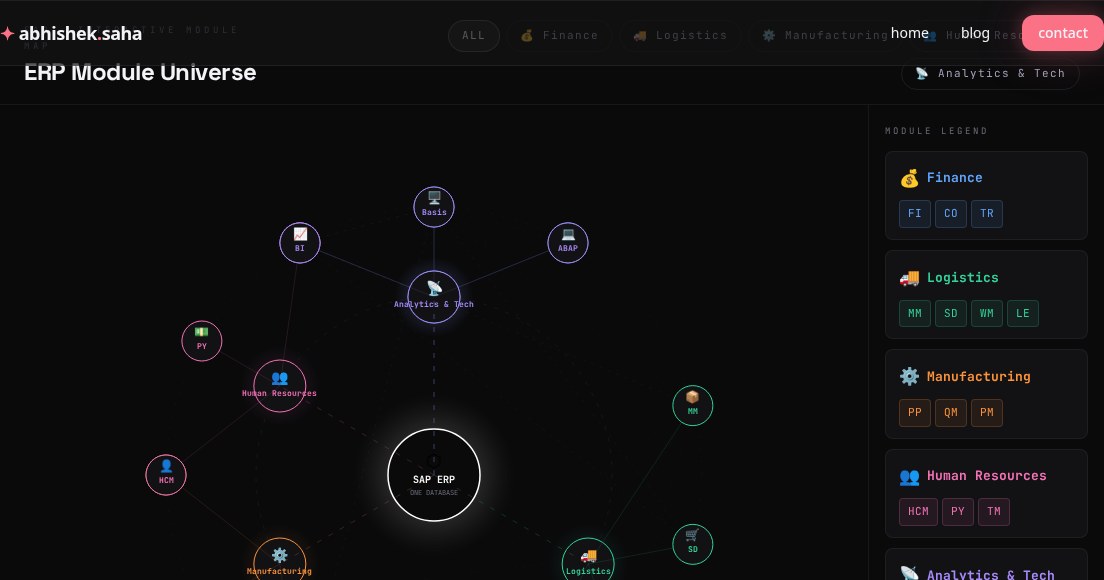
SAP ERP Module Universe — Interactive Map
A visual guide to SAP's core ERP modules — Finance, Logistics, Manufacturing, HR, Analytics, and how they all connect through one database.
Read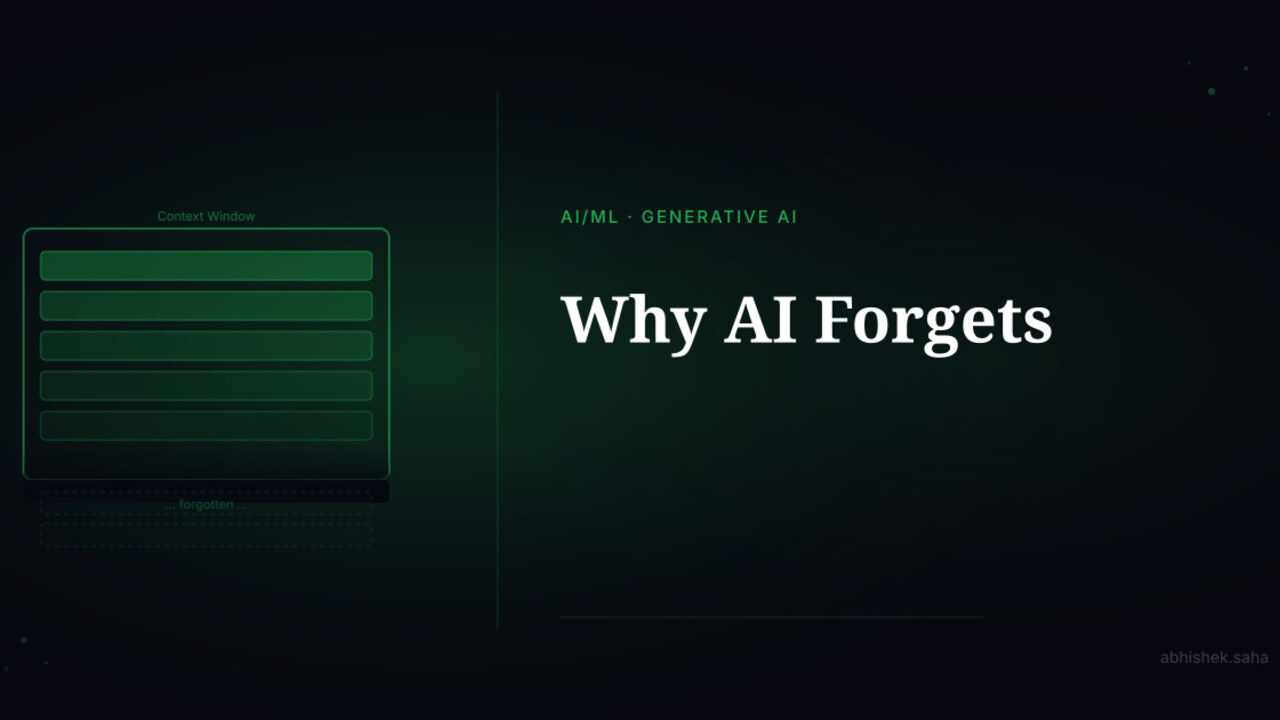
Part 5 — AI Demystified
Why AI Forgets
Mid-conversation, AI suddenly doesn't remember what you said earlier. This isn't a bug — it's the context window. Here's how it works and how to work around it.
Read
Get new posts in your inbox
No spam. No digest. Just a note when I publish something new.
Discussion
On this page